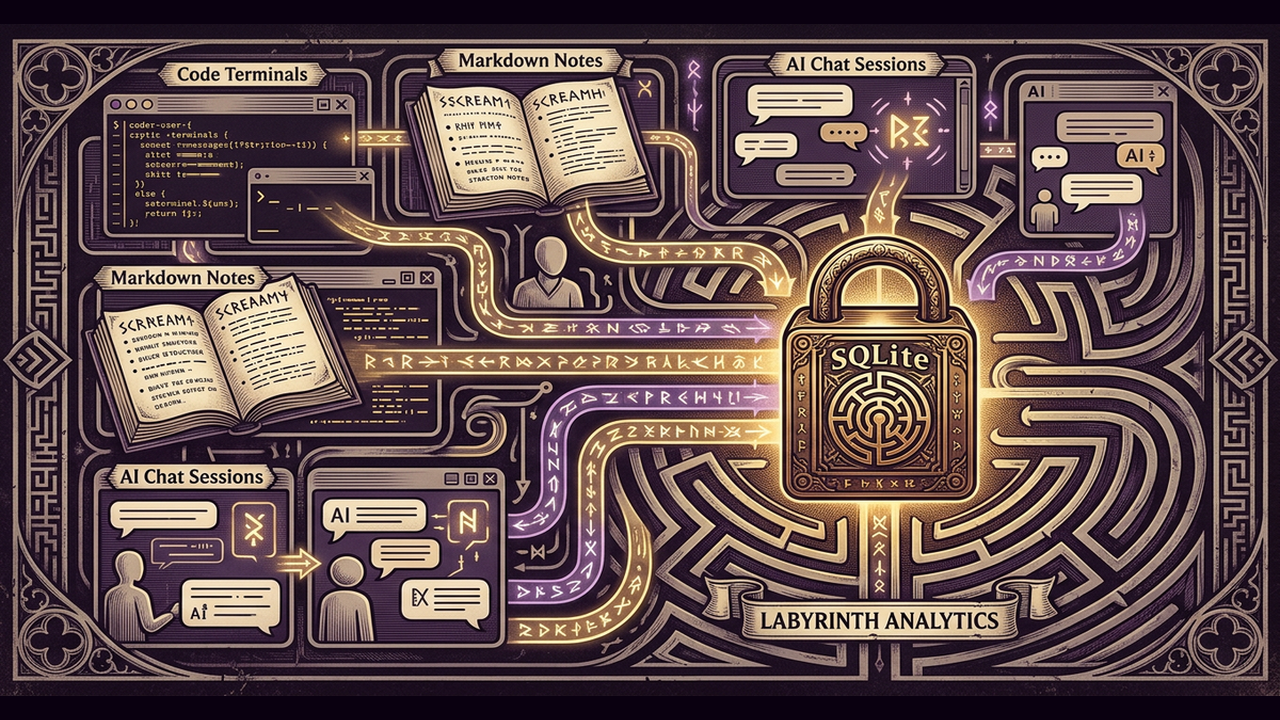
Building a Claude plugin from scratch felt like stepping into a maze with no map. The first few hours were spent wrestling with the Anthropic marketplace API, then trying to keep track of every design decision, tool call, and open question that surfaced during development. By the time the plugin was ready for public listing, we had accumulated a tangled set of notes spread across the terminal, a few markdown files, and a handful of ad-hoc scripts. What we wish we had known from the start is that a single, local-first memory layer can keep that chaos organized, make the development loop tighter, and even turn the whole process into a reusable knowledge base for future projects. This post walks through the technical journey of turning a raw idea into a live Claude marketplace entry, and shows how LoreConvo's features became the backbone of that journey.
From a blank repository to a working Claude plugin
When we opened a new repository for the plugin, the first question was where to store the evolving context. We needed a place that could remember the code snippets tried in Claude Code, the design notes jotted down in the Chat surface, and the experimental prompts run in other environments. LoreConvo's cross-surface session memory answered that need immediately. By saving a session in any surface, the same context became available in the others -- a design discussion in Claude Code could be recalled later when debugging without manually copying files.
The auto-load hook took the convenience a step further. As soon as a new session opened, LoreConvo automatically pulled the most relevant prior sessions based on project tags and skill history. The hook examined the tags attached -- "auth", "rate-limit", "plugin-manifest" -- and injected a concise digest of earlier decisions. No extra command-line work was required; the context arrived ready for the next line of code.
Saving the session was equally effortless. The auto-save hook runs on every session end, extracting a heuristic summary, the list of tool calls, and any tech-stack facts it could infer. When the session contained enough signal, it also captured open questions, such as "how should the plugin handle token refresh?" This extraction happens without any manual step, yet the resulting SQLite file remains fully under your control. You can open the file, edit or delete entries, and export the whole set to JSON for backup.
Organizing knowledge with tags, links, and search
During the plugin build, we repeatedly switched between three main concerns: authentication flow, rate-limit handling, and marketplace metadata. LoreConvo's project tagging let us assign each session to a logical bucket. Later, when we needed to recall everything tried for token refresh, a simple tag filter surfaced the exact sessions we wanted.
Tags alone are not enough when ideas interrelate. Session linking let us create explicit chains: the session where we first drafted the OAuth handshake linked to the later session where we refined error handling, which in turn linked to the final marketplace submission session. When we queried the linked chain, LoreConvo displayed the full context trail, so we could see how a decision evolved over time.
Finding the right session among dozens is where full-text search shines. LoreConvo's FTS5 engine supports compound token expansion and prefix matching, so a search for "token ref" instantly returned every session that mentioned "token refresh", "token retrieval", or "token revalidation". The free tier's search is already powerful, and the Pro tier adds a hybrid index that blends vector similarity with keyword ranking. That hybrid search lets you type a high-level query like "how did we handle pagination?" and receive sessions that used the same conceptual patterns, even if the exact words differed.
Keeping the team in sync without a central server
The plugin project eventually grew to include a second engineer who focused on the marketplace metadata. Because LoreConvo stores everything in a single SQLite file, we could share knowledge without any cloud service. After finishing a session on rate-limit logic, we exported the selected sessions to JSON and shared the file. The teammate imported them instantly, gaining access to the same context, tags, and links. No server, no credentials -- just a portable file that lives on local disks.
For the Pro tier, LoreConvo also offers a local-first async sharing mode. By exporting a batch of sessions and having a teammate import them, you effectively create a shared memory space that stays out of any third-party cloud. This approach respects data ownership while still giving the collaborative benefits of a shared knowledge base.
Turning development artifacts into marketplace assets
When the plugin was ready for submission to the Anthropic marketplace, Anthropic required a specific memory format for the listing. LoreConvo's compatibility bridge for the memory API let us expose the stored sessions as a memory backend that Anthropic's tools could query directly. By importing the memory backend in the plugin's code, the marketplace validation process could pull the exact same session data used during development, ensuring consistency between what we tested and what reviewers saw.
The optional summarization feature also proved handy. By enabling it during saves, session summaries were compressed to a concise, high-quality description that fit neatly into the marketplace's metadata fields, while still preserving the raw heuristic summary as a fallback.
Finally, the usage stats dashboard gave a quick snapshot of how many sessions were created per surface, how much disk space the SQLite file occupied, and the estimated token count stored. This information helped trim unnecessary sessions before export, keeping the final JSON payload lightweight.
Lessons from the build
Looking back, a few practices stand out as the most valuable. Starting every new development surface with a project tag makes later retrieval trivial and keeps the auto-load hook focused on the most relevant history. Using session linking to record decision pathways turns a series of isolated notes into a navigable story. And relying on the auto-save hook's heuristic extraction works well, but if a question is critical, adding a short explicit note in the session summary guarantees it appears in the export.
When you need to share knowledge across a team, export the relevant sessions and merge them on the other side. The local-first model eliminates the need for a separate server and keeps all data under your control. If you are targeting the Anthropic marketplace, enable the compatibility bridge early so you can test the memory format throughout development rather than at the last minute.
Part 2 preview
The development phase was only half the story. The publishing journey -- navigating marketplace review, dependency pinning requirements, and the PyPI release process -- had its own surprises. Part 2 covers those lessons in detail.
Ready to give your AI projects the same memory backbone? Explore the full set of tools at /tools or reach out for a consultation at /contact.